
What it is
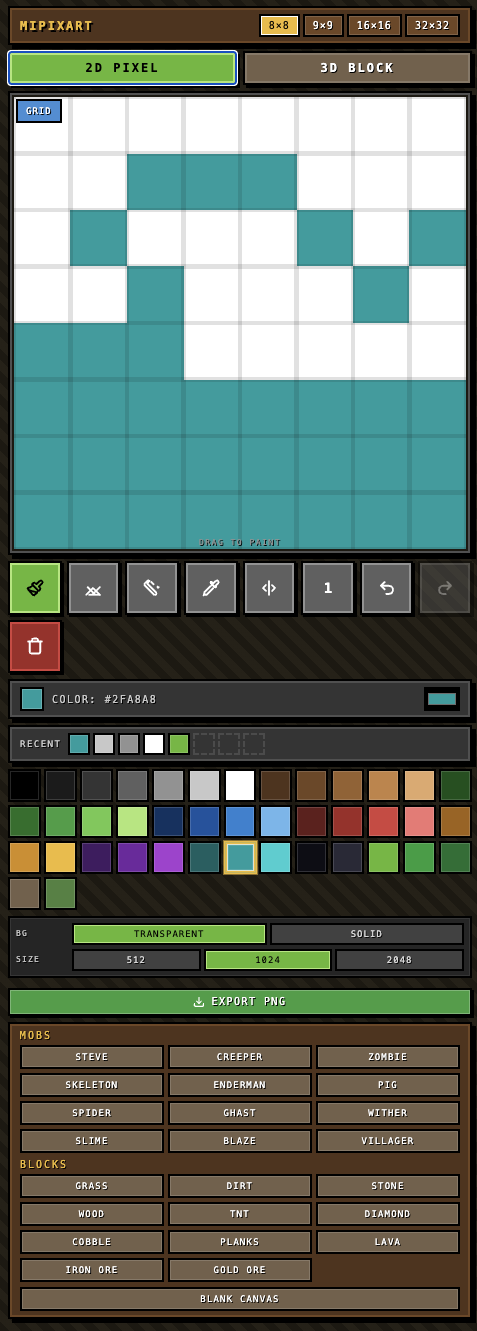
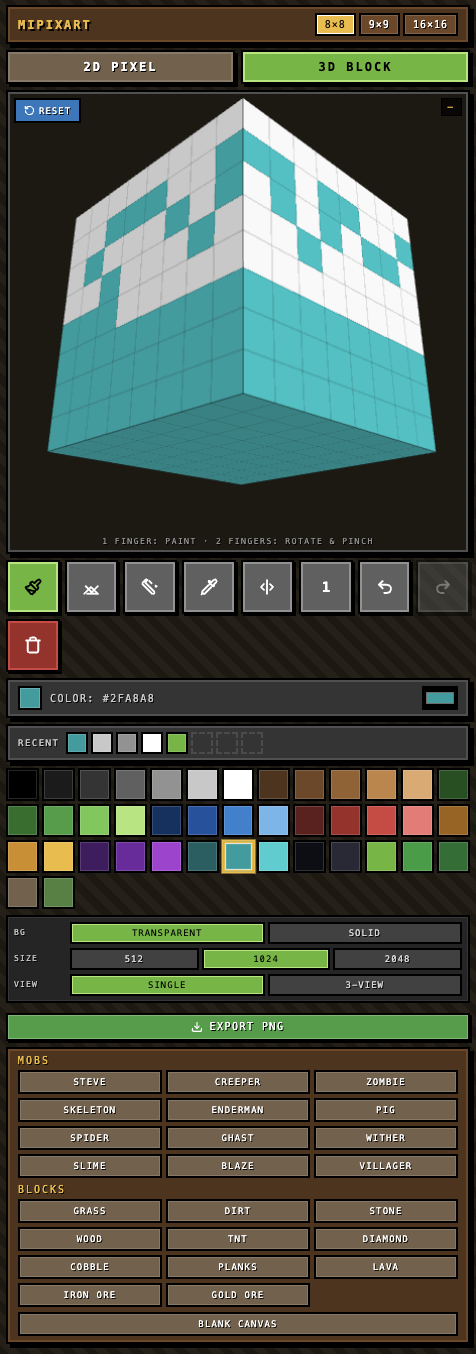
MiPixArt is a mobile-first paint program for Minecraft-style pixel art and 3D blocks. You can sketch a mob or a block on your phone in a few minutes and export the image.
It's not a skin builder. There's no way to import the result back into Minecraft as an actual skin. It's a creative outlet for people who like the Minecraft art style, not a tool that plugs into the game.
How it started
I was at Bunnings with my son and we got chatting about pixel art. We thought it'd be fun to try building something. No app store check, no Google search, no looking at what was already out there. I figured it would be simple enough to just have a go.
By the time we'd finished walking the aisles, we had a working MVP on my phone. That's the part still worth sitting with. A few years ago, "let's build an app while we're at the hardware shop" wasn't a sentence anyone said about software.
Things I found interesting
My son as the test user
A lot of the visual decisions came from sitting with him while he used it. What he reached for, what he ignored, what frustrated him, what felt right. Things I would have spent days deciding on by myself got resolved in five minutes of watching him try and miss.
Templates that look like Minecraft without being Minecraft
I didn't want to ship anything that lifted the official Minecraft art assets, so the predefined templates are similar enough to be recognisable but different enough to be ours. Same vibe, slightly different proportions, different colour choices in places. The kids notice the difference. Nobody seems to mind.
Two-finger scrolling and leaving marks
This is the kind of thing you only notice when someone is actually drawing. The first cut of the touch handling made it really easy to leave accidental marks when you were just trying to pan around the canvas. It took a few rounds of tweaking to get scrolling and drawing to feel like separate gestures without making either of them harder to do on a small screen.
After launch: what real use turned up
Once my son and his friends actually started using it, a different set of issues showed up that I never would have found from my own machine.
"Why isn't there orange?"
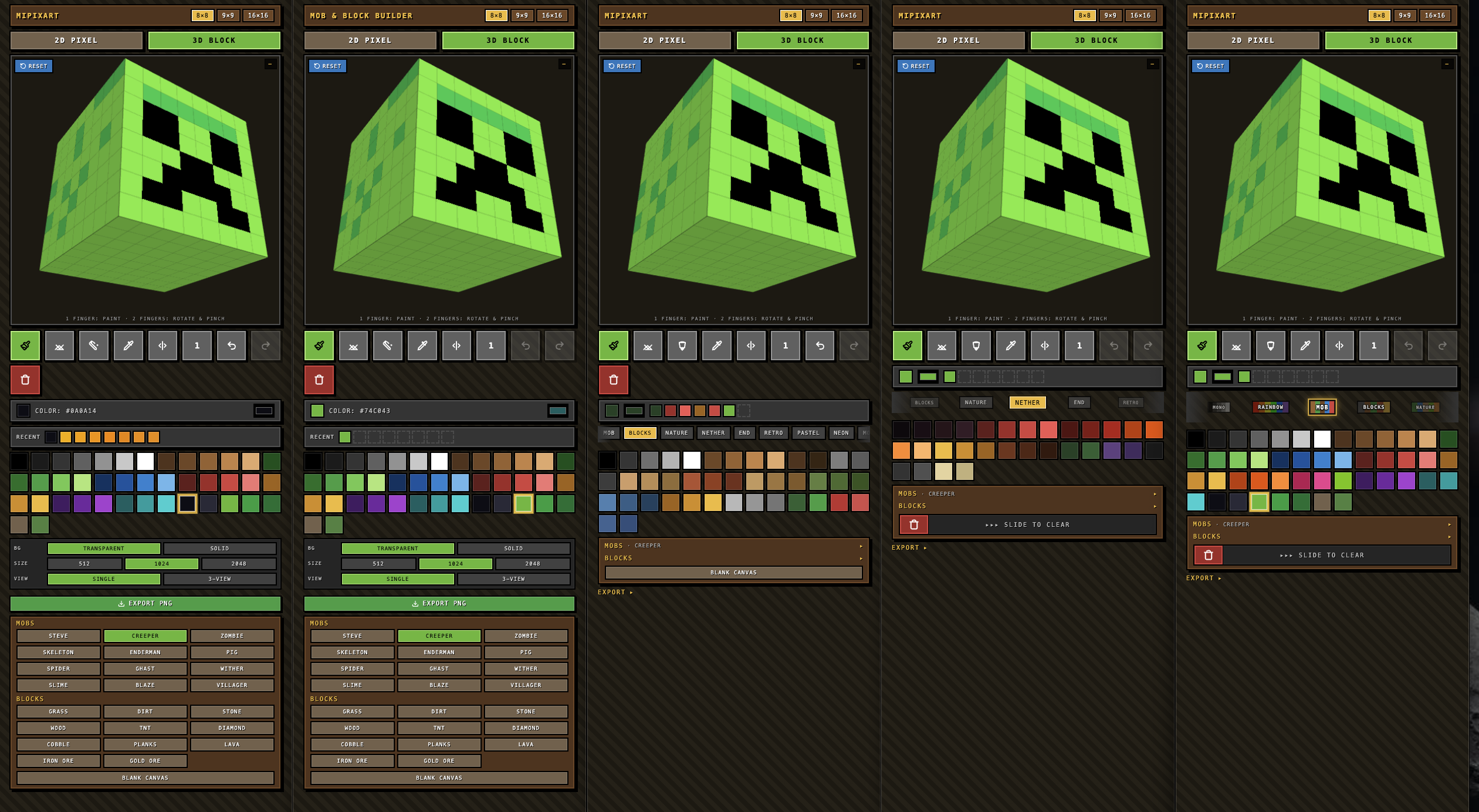
His first question. There was a shade of orange in the palette, but not the orange he had in his head. So I added a proper orange, then realised the whole palette was a bit cramped, and ended up doing a much bigger rework: themed palette packs (Mobs, Blocks, Nature, Nether, End, Retro, Pastel, Neon) with a scrolling wheel for switching between them. Each palette has a vertical colour stripe along the side so kids who can't read yet can still tell what they're picking.
The accidental delete
The big red bin icon in the toolbar was a mistake. Easy to hit. Easy to wipe a drawing he'd been working on for fifteen minutes. So the delete button is gone now. Clearing the canvas is a slide-to-clear gesture instead, which takes deliberate intent and can't happen by accident.
Cleaning up the chrome
A bunch of secondary controls that don't matter while you're actually drawing got tucked away. The first screen now shows the canvas, the palette, and the essential brush tools. Everything else lives one tap deeper. The kids stopped getting distracted by buttons they didn't need to think about.
From Claude artifact to portfolio piece
For the first stretch, MiPixArt only lived inside Claude as an artifact. We built it out from the Bunnings MVP into something pretty solid. My son was making things he wanted to keep, the experience felt right, and the artifact was usable on its own.
The simplest way to share something at that stage is to publish it through Claude's artifact link. That works fine. But I wanted to bring the file over so I could host it on my own domain and feature it as part of this portfolio. That took a few extra steps: pulling the code out cleanly, setting it up as its own project, wiring up deployment. None of it was hard. Just worth knowing about if you're thinking of doing the same thing.
On the app stores
MiPixArt didn't stop at a hosted web page. It's a real app now.
The free version still runs in the browser, which is the fastest way to have a go without installing anything. But the app itself got wrapped as a native build with Capacitor and shipped to the stores: a paid, ad-free version on the App Store and on Google Play, plus a Fire tablet build on the Amazon Appstore.
The model is pay once, no subscription, no ads. The free web version stays free and is plenty for a quick sketch. The paid app is for the kids who end up living in it. Getting there meant the less glamorous side of shipping: app icons at a dozen sizes, store screenshots, privacy declarations, signing keys, and a review queue for each store. AI writes the drawing code in an afternoon. The store paperwork is still the store paperwork.
The bigger lesson
AI got me a working prototype fast. Three.js setup, canvas drawing logic, IndexedDB persistence, a working colour picker. That's the boring scaffolding done in an afternoon walking around a hardware store.
What it didn't do, and can't do, is sit with my son and watch his face when something didn't work. User testing finds things I'd never spot from my own machine. And once you launch, the feedback from people you don't know is where the real improvements come from. AI builds the thing. Users tell you what's actually broken about it.